

Make your restaurant's menu.
Free, with orders and reservations. Build it once and it's on phones through a QR code, on paper for the printer, and in what ChatGPT or Gemini answer.
Trattoria Lucía
- Ravioli di zucca$18
Sage butter, toasted walnuts
Contains: gluten, egg, milk, nuts
Contains nuts - Tagliatelle al ragù$17
Slow-cooked ragù, parmesan
Contains: gluten, egg, milk
- Fusilli di riso al pomodoro$15
Tomato sauce, fresh basil
Gluten-freeVeganSold out today
No card and no commission per order.
Where your menu shows up
You enter it once. Change a price and it changes on phones, behind the QR code and in what AI reads; the PDF comes out new every time you download it.
On phones
It opens from the QR code, in each guest's language, with allergens and what sold out today.
On paper
A PDF in A4, A5 or Letter, with bleed and crop marks, with no MenuNode branding.
On the table
QR cards for every table. This one opens the example menu: try it with your phone.
In AI answers
ChatGPT, Gemini or Claude read your dishes, prices and hours exactly as you entered them.
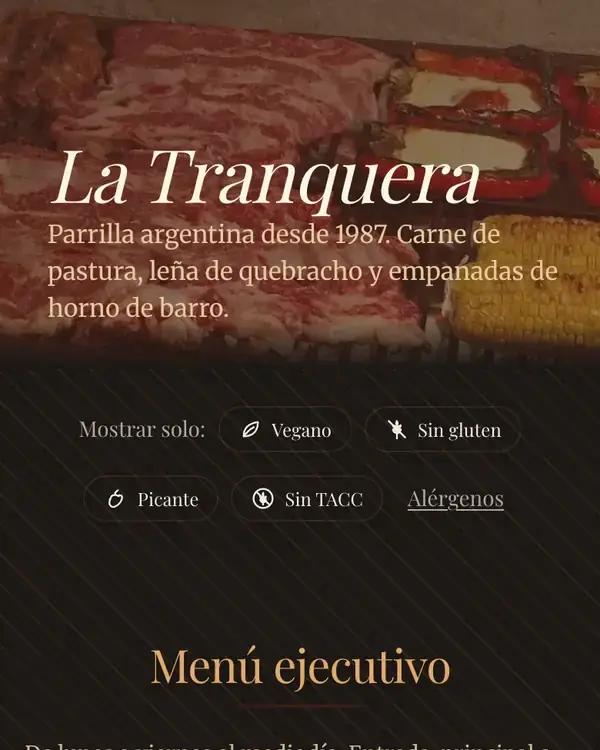
La Tranquera is an example restaurant: this is what a menu made with MenuNode looks like.
How it works
Add your menu
Import it from a photo or a file, or ask the AI you already use. Fill in your restaurant details in four steps.
Make it yours
Pick fonts, colors and a background. Download the PDF for the printer and the QR codes for your tables.
Turn on what you need
Orders, reservations, languages and reviews switch on whenever you want. For AI assistants, there is nothing to set up.
Example menus
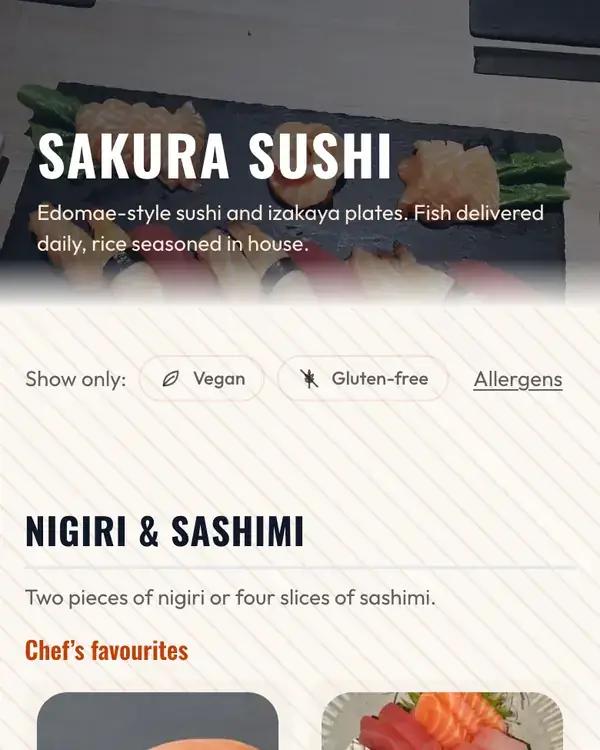
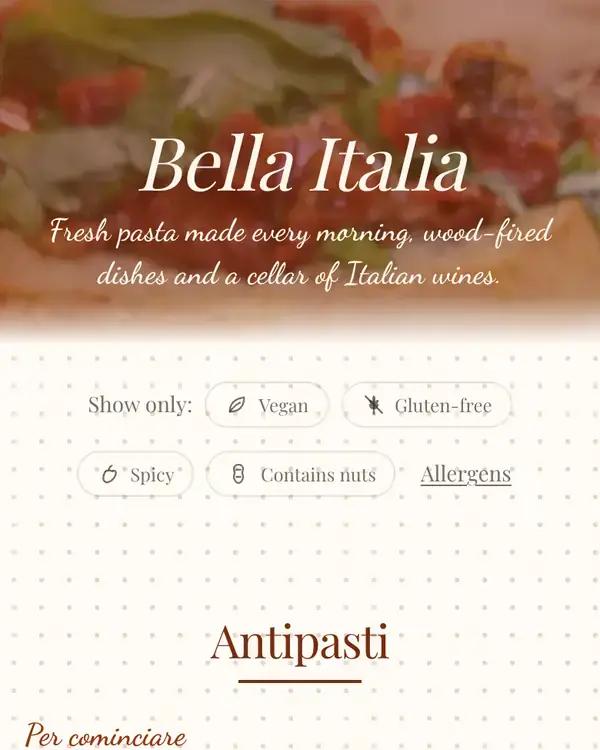
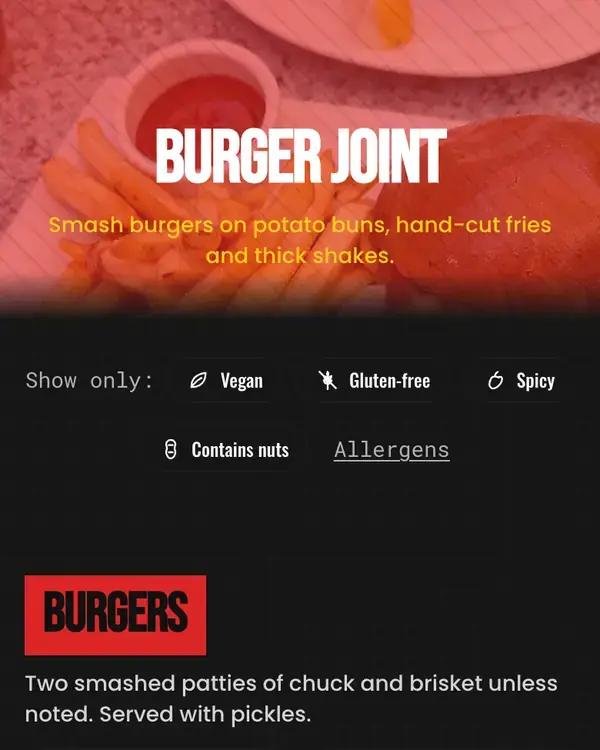
Example restaurants built with MenuNode, each in its own style. Open them and try everything.
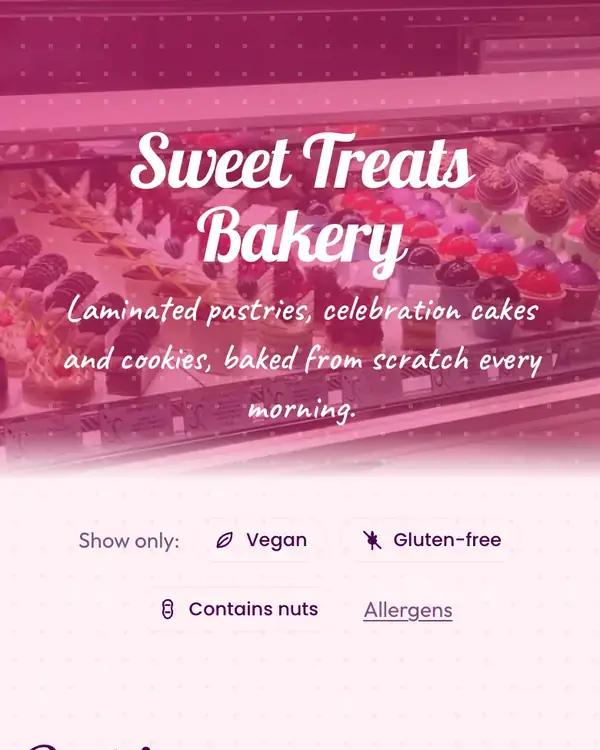
Everything included
The tools you use every day, in one dashboard, with no add-on fees.
Before you open
Visual editor. Click any text to change it. Blocks of up to four dishes, dividers and your own currency.
Print-ready PDF. A4, Letter or A5, with bleed, crop marks, bi-fold or tri-fold. Ready to send.
Four languages. Each guest reads the menu in their language. Translate in one click, then fine-tune by hand.
Clear allergens. The 14 main allergens, per dish, with a legend on the menu and in the PDF.
Import your menu. From a photo, PDF, Word, Excel or plain text. No retyping everything.
AI descriptions. Appetizing copy for every dish in seconds, in your language.
Menu and table QR codes. QR codes with your logo and printable table cards; orders arrive with the table number.
Special hours. Import your country's public holidays and flag closures or changed hours by date.
During service
Online orders. Dine-in, pickup or delivery, paid at the restaurant, with Telegram or email alerts.
Kitchen display. Tickets come in on their own, move through stages and print on 80 mm paper.
Sold out today. Mark a dish as sold out from your phone; the menu and ordering update instantly.
Menu of the day. Enter today's dishes at a set price in a minute; they appear on the menu and in the PDF.
Happy hour and time slots. Sections that show only during their hours, like breakfast, and discounts by time slot.
Reservations. Time slots, table duration, covers per slot, and automatic or manual confirmation.
Waitlist. Add walk-ins with an estimated wait; if you like, guests join on their own from their phone.
Call the waiter. From the table QR, guests call the waiter or ask for the bill, and the alert reaches your screen.
Virtual waiter. An optional chat that answers guests' questions about dishes and ingredients.
Staff and locations. Staff accounts with per-section permissions, and several locations in one dashboard.
Afterwards
Post-visit reviews. An email after the visit; happy guests go straight to leaving a Google review.
Menu analytics. Which dishes are viewed and ordered, and where visits come from: QR, search engines or AI assistants.
Frequently asked questions
Is MenuNode free?
Yes. Right now every feature is included at no cost: menu, QR codes, PDF, languages, orders and reservations. We don't ask for a card to sign up.
How long does it take to publish my menu?
Most restaurants publish their first menu in under ten minutes: restaurant details, menu, style, done.
Do I need my own AI?
No, but you can use the one you already have: MenuNode gives you a prompt for ChatGPT, Gemini or Claude and imports the answer. Importing from a photo or file uses MenuNode's AI.
Can I send the PDF to a print shop?
Yes. It comes in A4, Letter or A5, with 3 mm bleed and crop marks if you want them, or folded in half (bi-fold) or in three (tri-fold). It carries no MenuNode branding.
Can guests read the menu in another language?
Yes: English, Spanish, Portuguese and French. Translate everything with MenuNode's AI or by pasting a prompt into your own AI, then edit anything by hand.
What does being found by AI assistants mean?
When someone asks ChatGPT, Gemini or Claude where to eat or what's on your menu, the assistant can read your dishes, prices, allergens and hours straight from MenuNode instead of guessing from outdated data. There's nothing to configure.
How do orders work without online payment?
Guests order from their phone and pay at the restaurant or on delivery. Every order is verified by email and reaches you via Telegram, email and the kitchen display.
Publish your menu today
Free, no card needed. Start with the menu and add orders or reservations whenever you like.